


Keeping projects on track is tough. Deadlines shift, priorities collide, and communication gets lost in endless emails and chat threads. If this sounds familiar, a built-in task management dashboard could be the solution your team needs.
More than just another tool, a dashboard acts as a central hub—bringing tasks, deadlines, priorities, and team conversations together in one place. This helps work flow smoothly, reduces confusion, and keeps projects moving forward confidently.
Let's explore how these task management dashboards work, why they matter, and how they can improve productivity for your team.
What Is a Built-In Task Management Dashboard?
Think of it as the cockpit of your project. A task management dashboard centralizes everything:
Unlike juggling separate apps, a built-in dashboard gives you a live, accurate view of the project at a glance, so you always know what's happening, who's responsible, and where bottlenecks might occur.
Teams without a dashboard face recurring challenges:
The outcome? Frustrated teams, missed deadlines, and wasted effort.
Here's how a built-in dashboard transforms the way teams work:
Instantly see what tasks are in progress, upcoming deadlines, and who's responsible. This allows managers to detect issues early, balance workloads, and keep projects on track.
Discover how effective time tracking keeps projects on schedule.
Automatic alerts notify the right people when deadlines shift or tasks are completed, removing the need for constant reminders or status meetings.
Easily reorder tasks, flag urgent work, and filter views. Teams can focus on what matters most, keeping productivity high and distractions low.
Instead of scattered emails or chat threads, comments, notes, and files live alongside tasks. Everyone stays informed, aligned, and ready to act.
Find out why every team benefits from a project performance dashboard in this detailed guide.
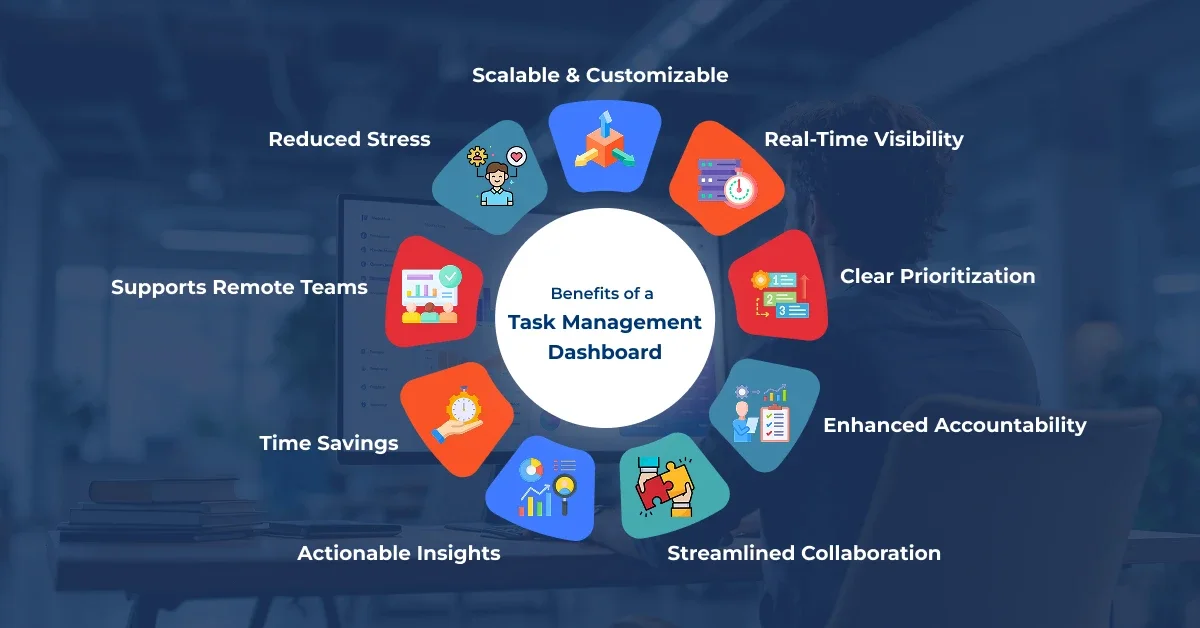
Using a built-in dashboard drives tangible results:
When teams spend less time searching for information, they spend more time delivering results.
Explore how resource allocation in project management is evolving to meet future demands.
These examples highlight how dashboards not only improve efficiency but also reduce stress and boost team satisfaction.
To get the most value from your dashboard:
Consistent use turns the dashboard into the team's single source of truth, keeping everyone aligned.
Watch our video on mastering task management dashboards for smarter project execution.
Q1: How does a built-in dashboard improve productivity?
A: It centralizes tasks, deadlines, and updates so teams don't waste time piecing information together, helping projects stay on track.
Q2: Is it better than using separate apps?
A: Yes. Integrated dashboards prevent duplication, keep workflows synchronized, and provide a single source of truth.
Q3: Can it handle large, complex projects?
A: Absolutely. Features like task hierarchies, dependencies, and role-specific views scale to support multi-team projects.
Q4: How does it help remote or hybrid teams?
A: Cloud-based dashboards provide real-time access from anywhere, ensuring distributed teams stay aligned.
Q5: Are dashboards customizable?
A: Most platforms let you adjust task details, alerts, and views to match your team's workflow.
A built-in task management dashboard isn't just a nice-to-have—it's a productivity foundation. By centralizing work, automating updates, and providing real-time clarity, it transforms chaotic project management into smooth, predictable progress.
For organizations aiming to boost productivity, align teams, and hit deadlines consistently, adopting an integrated task dashboard is a practical, high-impact step toward success. To explore how your team can implement such a solution, reach out to our experts for guidance and tailored support.


© Copyright 2009-2026 Oodles Technologies. All Rights Reserved.